
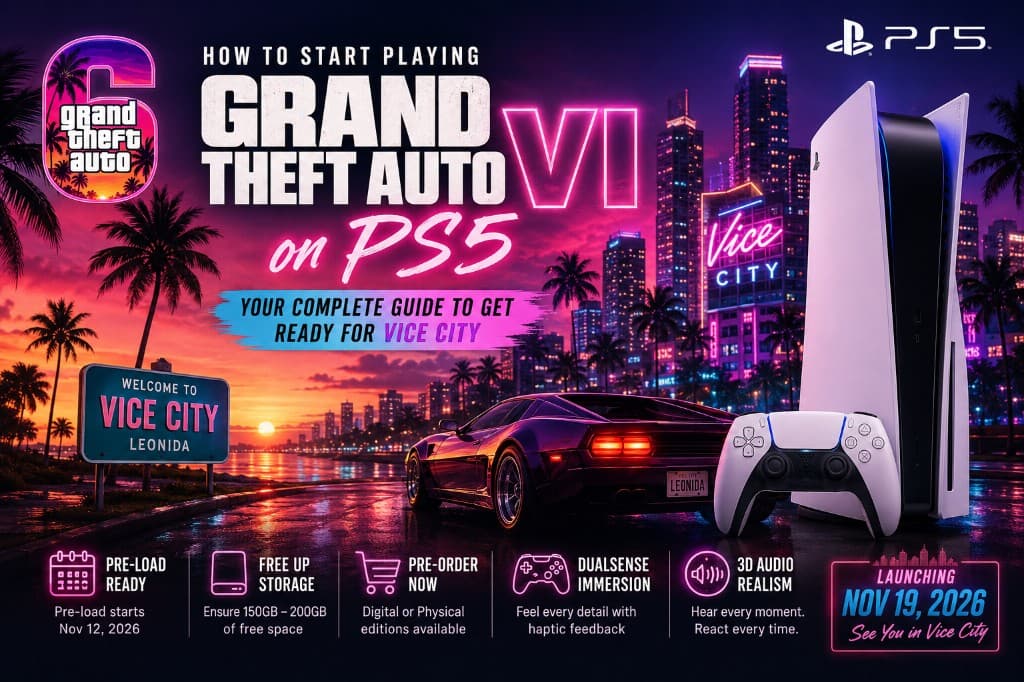
Stepping into Vice City and the broader state of Leonida on your PlayStation 5 requires a bit of preparation. As Rockstar Games prepares to launch Grand Theft Auto VI on November 19, 2026, securing your hardware, managing your console storage, and locking in your software version ahead of time ensures you won't miss a minute of day-one chaos.
Here is everything you need to know to get ready to play GTA 6 on your PS5 or PS5 Pro the moment it drops.
Launch snapshot: Global release November 19, 2026 · Digital pre-load from November 12, 2026 · Target free space 150–200GB · Platforms: PS5 and PS5 Pro only.
Verify Your Console Hardware Compatibility
Before diving back into the chaotic streets of Vice City, verify that your current hardware can handle Rockstar Games' next-generation open-world design. Advanced physics, dense crowds, and high-detail environments mean a compatibility check now prevents launch-day surprises.
Supported Systems
Grand Theft Auto VI runs natively on current-generation Sony hardware:
- PlayStation 5 — full native support
- PlayStation 5 Pro — enhanced performance and visual fidelity
These consoles deliver the SSD streaming speeds and frame-rate headroom the game is built around.
Unsupported Systems
Rockstar has bypassed legacy hardware for this release. Grand Theft Auto VI will not be available on:
- PlayStation 4
- Any older PlayStation generation
Players on last-gen hardware need a PS5 or PS5 Pro before launch to access Leonida.
Secure Your Copy and Pre-Order Options
Locking in a pre-order early helps secure promotional content and prepares your console for launch day. Rockstar offers digital and physical paths for PlayStation 5 — including bonuses such as the Vintage Vice City Pack where available.
Digital Pre-Orders
Digital pre-orders are available through the PlayStation Store on console or via the mobile app. Buying digitally gives you:
- Immediate account linkage
- Eligibility for pre-loading from November 12
- Launch-night access without swapping discs
Physical Editions
Physical editions can be reserved through major electronics and gaming retailers. Note: retail boxes for Grand Theft Auto VI contain a high-speed digital download code rather than a Blu-ray disc, so collectors can still redeem early and join the pre-load window.
Clear Out Your PS5 SSD Storage
Leonida's high-resolution textures and dense world mean a large install. Free space before launch day — not after midnight queues start.
- Go to Settings → Storage → Console Storage on your PS5.
- Remove games or media you no longer need until you have 150GB–200GB free.
- If the internal SSD is full, install an official M.2 NVMe expansion that meets Sony's read-speed requirement (5,500 MB/s or faster).
Utilize the Pre-Load Window
Pre-loading bypasses launch-day bandwidth bottlenecks. Downloading early lets your PS5 unpack files securely so you can enter Vice City at midnight without waiting on a massive day-one queue.
Pre-Load Date
Digital pre-loading starts November 12, 2026 — one full week before the November 19 global launch.
Enable automatic updates so the package can download in Rest Mode:
Settings → Saved Data and Game/App Settings → Automatic Updates
Maximize Your Audio and Visual Settings
Tuning display and audio before you press start keeps Leonida looking sharp and sounding balanced from the first cutscene.
DualSense Wireless Controller
Use the DualSense for haptic feedback and adaptive triggers — road surfaces, weapon resistance, and environmental cues that deepen immersion in Vice City.
3D Audio
Turn on Tempest 3D AudioTech so directional cues (sirens, gunfire, crowd noise) stay readable on a compatible headset or TV speakers.